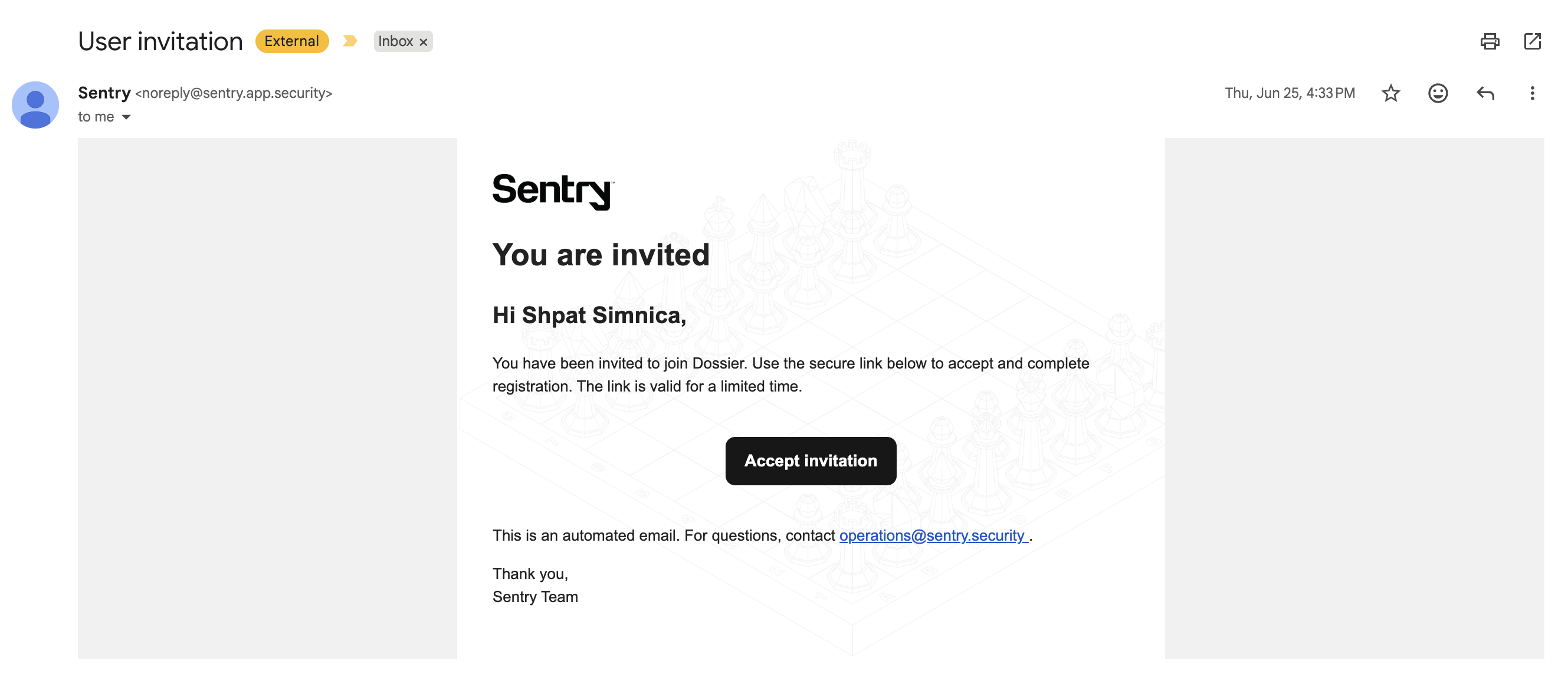
Email Templates
Tenant email templates control the HTML content of authentication-related emails sent by Auth0 through Dossier.
Accessing Tenant Email Templates
Navigate to Tenant Settings → Email Templates.
Route: /tenant-settings/email-templates
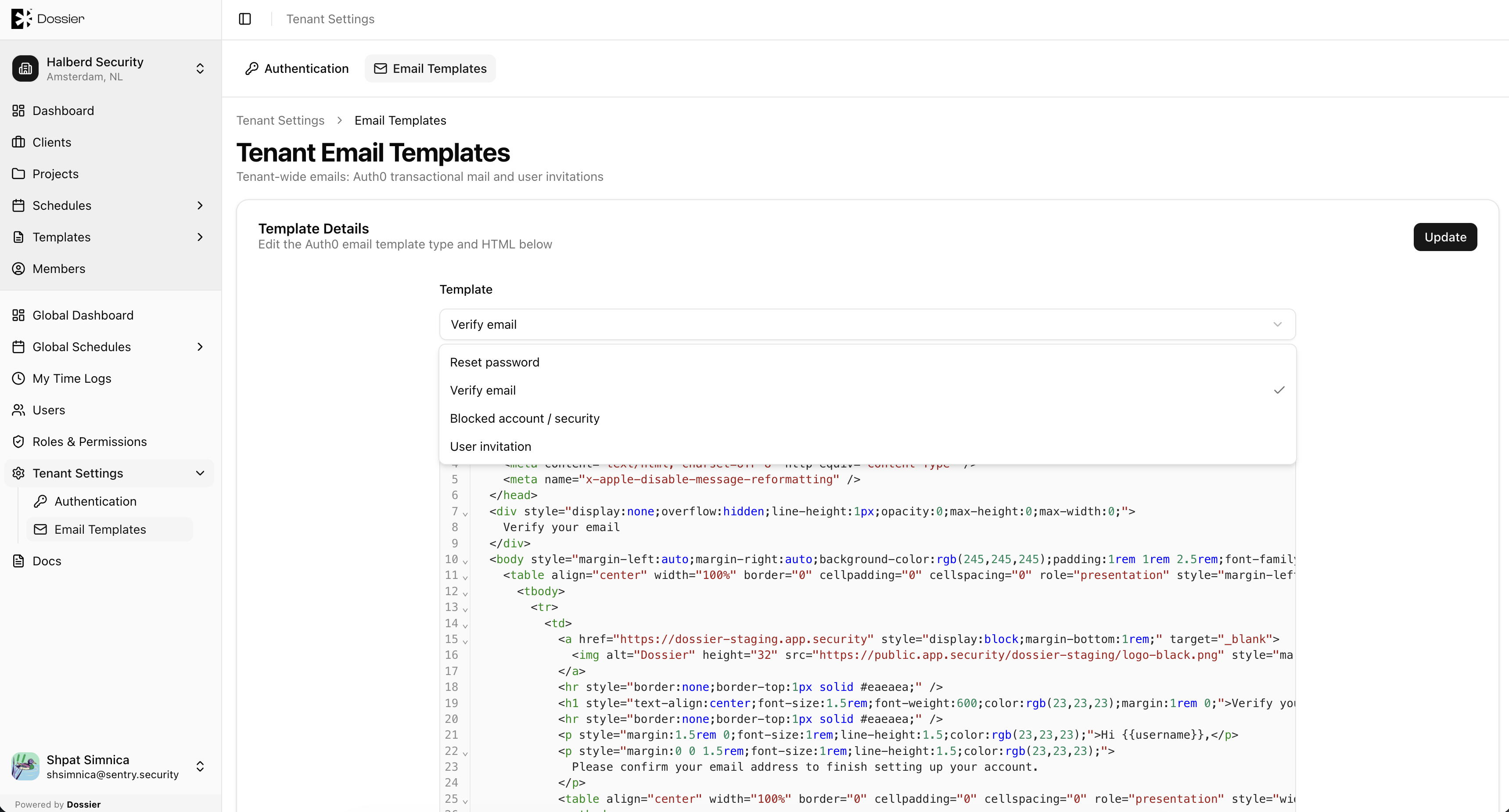
Template Types
| Template | Trigger |
|---|---|
| Invitation | Sent when an admin creates a user with Send Invitation Email enabled |
| Password Reset | Sent when a user requests a password reset through Auth0 |
| Email Verification | Sent when a user needs to verify their email address |
Editing a Template
Step 1: Click a template row
Open the email template editor.
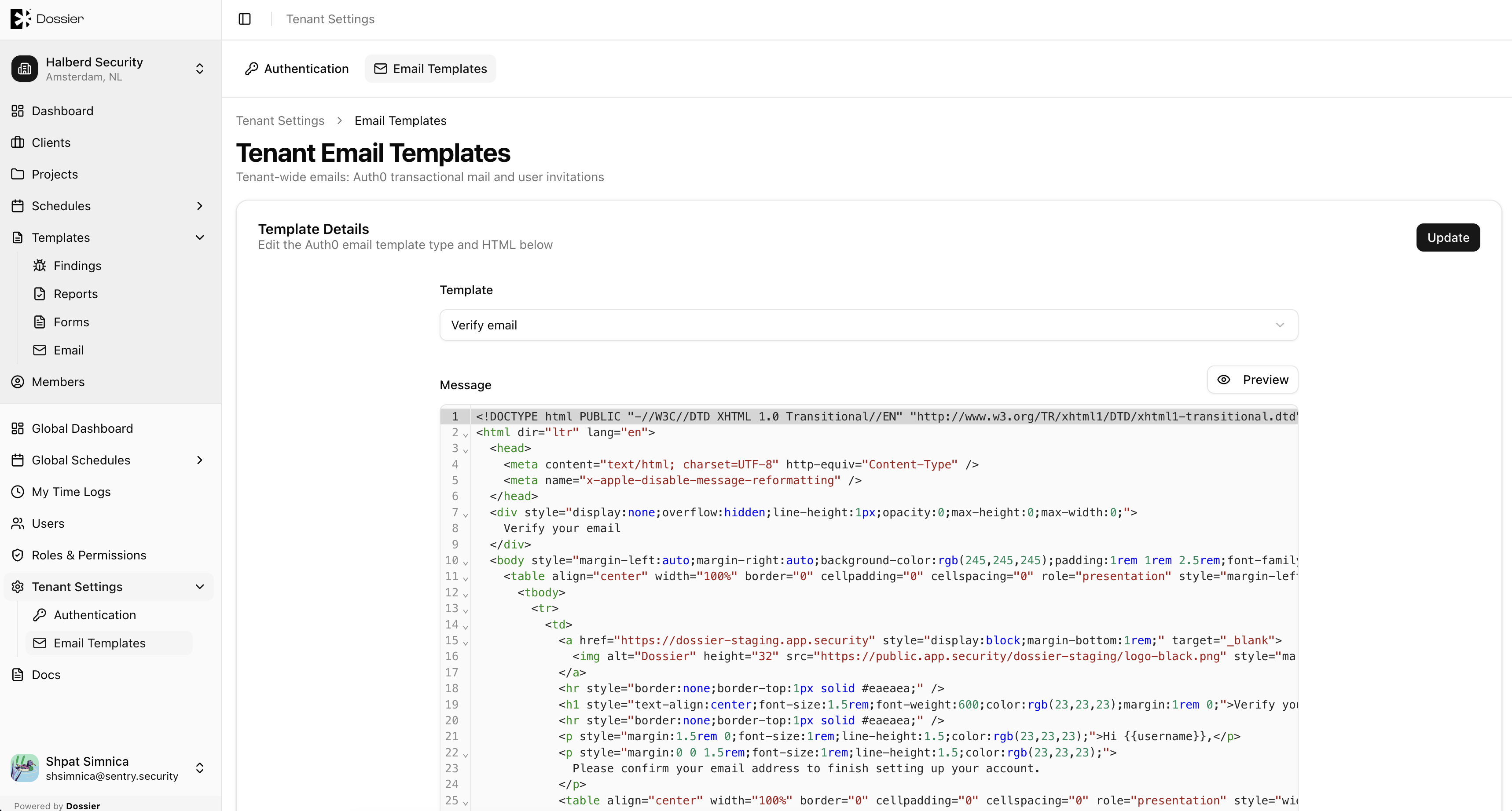
Step 2: Edit the HTML
Templates use Handlebars placeholders for dynamic content:
| Placeholder | Description |
|---|---|
{{tenantAppUrl}} | Your Dossier tenant URL |
{{tenantLogo}} | Your tenant logo URL |
{{invitationUrl}} | The invitation acceptance link |
{{user.email}} | The recipient's email address |
Step 3: Save
Click Save to apply changes. The updated template is used for the next email of that type.
info
Organization-scoped email templates (for project and finding notifications) are managed separately under Templates → Email Templates. See Email Templates.
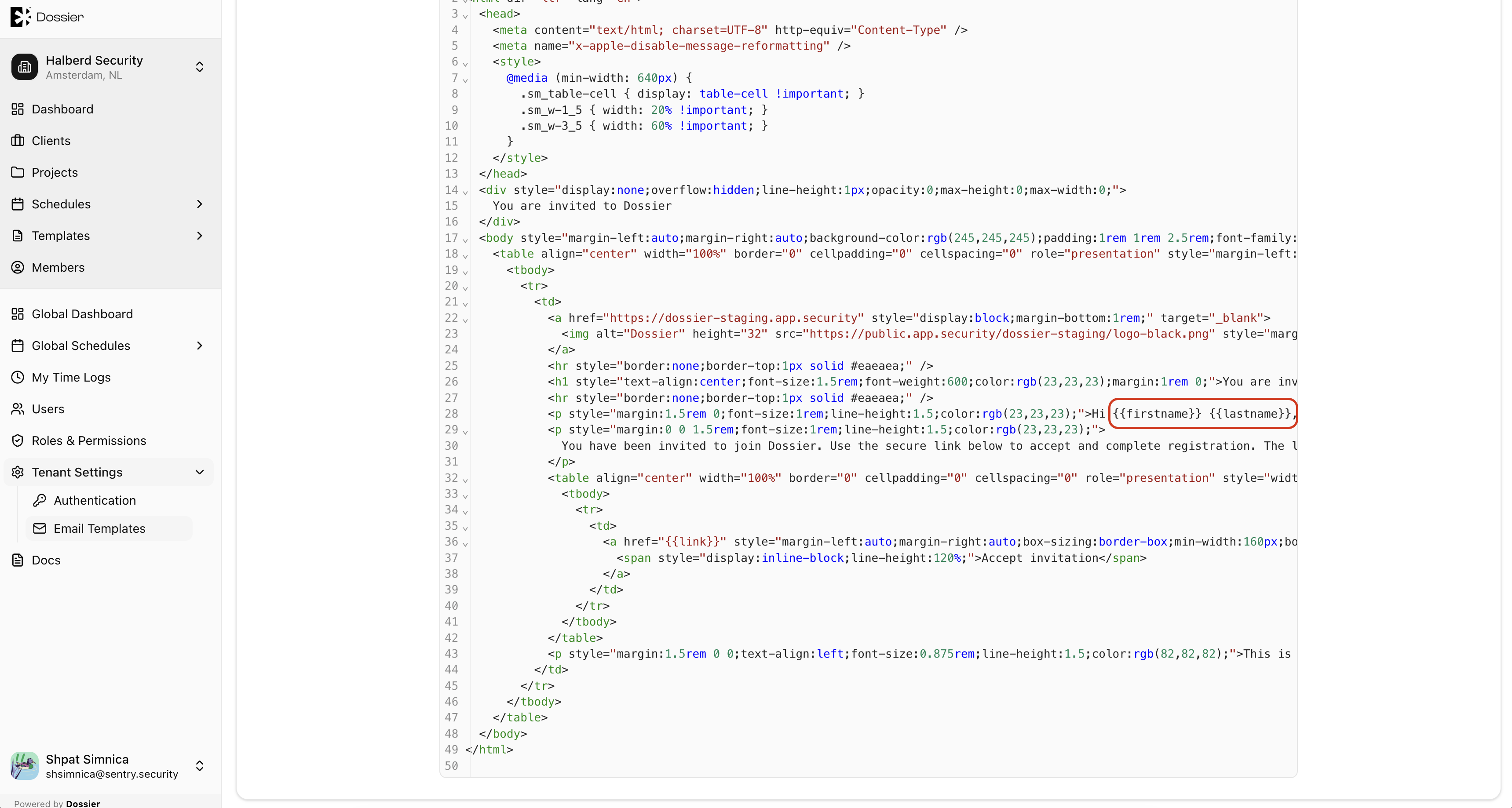
Auth0 Custom Email Webhook
Dossier routes Auth0 transactional emails through tenant templates via a custom email webhook. This means Auth0 password reset and verification emails use your tenant's branded templates rather than Auth0's defaults.